 |
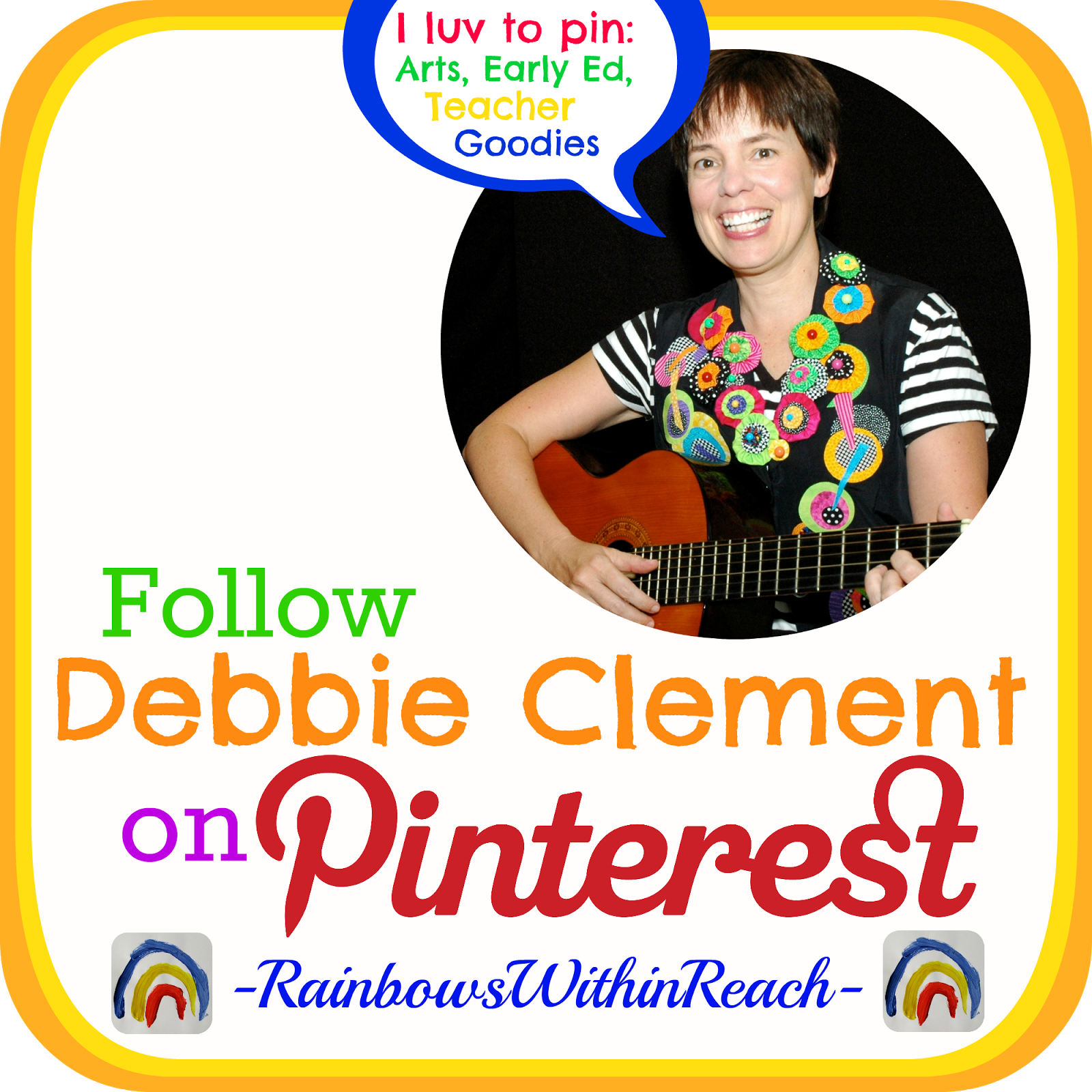
| Just click the picture to go directly to my Pinterest account! |
Let me just start by saying that I am a HUGE fan of Pinterest! I have an immense sense of gratitude for all things Pinterest. I have received a growing influx of visibility for my work due to their visual pinboard system.
I am a self-employed "Music-lady Author/Illustrator" and I receive a tremendous *BOOST* to my work through the international reach of the pinning community. My followers continue to grow as I continue to build my encyclopedia of pins!
My original goal with Pinterest was to find as many 'art and extension' ideas as possible to support my various original songs and their picture book format..... so that teachers who are using my first ever written dittie, "Goldie, Goldfish" ['Goldie, Goldie goldfish swims all day around her dish, Goldie, Goldie goldfish -- follow me and make a wish"] will have all sorts of prompts and web-links for an array of art projects, puppets, counting ideas, literacy, snack and take home projects as well. Pinterest is a visual person's wish come true, indeed!

My Pinterest boards (collections) begin with one that is for links that come directly here to my blog. Next there is one board for each of my 3 picture books: You're Wonderful, Tall Giraffe & Red, White and Blue. After that I have assembled a board for each of my classic songs. The song-boards are listed alphabetically by title from "100 Days" thru "Zaxby Quaxby."
The latest opportunity at Pinterest is for 'boards' to go collaborative. At this point I host several collaborative boards. One to support fine motor development, one for a cross section of children's art projects another entitled, "It's Preschool." I also have a collection of "Reggio Emilia" ideas from my brief visit there in Italy and my tour of 2 programs there.
We'll see how many boards will be developed over time. I LOVE Pinterest!
Then one night I had this brilliant idea. What if I started a LINKUP of Edu-Pinners?
Here's the first installment for EduPeople of all ages. People who pin from an educational perspective.
My second directory is specific to the Early Childhood Education world and can be found here.
The third directory in the series is for all of the Kinder-Pinners. KINDERGARTEN people galore: here.
Then came the directory for all my Art Teachers, Teaching ARTists peeps. Click here.
Next was the 6th installment for Library people, Book LUVers and Author-types. Click here.
 |
| Seriously. I take Pinterest seriously! Come find your professional peers. |
My Pinterest boards (collections) begin with one that is for links that come directly here to my blog. Next there is one board for each of my 3 picture books: You're Wonderful, Tall Giraffe & Red, White and Blue. After that I have assembled a board for each of my classic songs. The song-boards are listed alphabetically by title from "100 Days" thru "Zaxby Quaxby."
The latest opportunity at Pinterest is for 'boards' to go collaborative. At this point I host several collaborative boards. One to support fine motor development, one for a cross section of children's art projects another entitled, "It's Preschool." I also have a collection of "Reggio Emilia" ideas from my brief visit there in Italy and my tour of 2 programs there.
We'll see how many boards will be developed over time. I LOVE Pinterest!
Then one night I had this brilliant idea. What if I started a LINKUP of Edu-Pinners?
Here's the first installment for EduPeople of all ages. People who pin from an educational perspective.
 |
| My first 'collection of EduPinners |
 |
| Early Childhood Education Pinterest Directory |
 |
| Kindergarten Directory |
The 4th directory created is specific to Primary-Grades + Pinners. Click here.
 |
| Primary Grades Directory |
 |
| Art Teacher Directory |
 |
| Library People Directory |
The 7th installment is very near and dear to my heart: Resource people for "Special Needs" click here.
 |
| Resources for Special Needs |
Week #8 in the series is for an Upper Elementary Perspective. Click here.

The feedback on the directories has been amazing. These have all been developed in 'bloghop' format. If you are a blogger, just go to the very bottom of the list and the html code is right there available to you. I would LUV LUV LUV for you to transport the directory that your readers would find helpful to your blog. That's how the directories will grow and become more useful. Thanks from the bottom of my heart. (If you have any trouble getting the html -- just email me.)

Week #9 concluded the series with a list for those pinning from a Montessori vantage point. Click here.
As Pinterest has grown and evolved there have been numerous questions and conversations in cyber space about the etiquette of 'pinning.'
When I first started with Pinterest it was all about my creating a collection of resources for my supporters. What has evolved -- is that my little blog is getting delightful 'traffic' from people who take the time to PIN my images to their collections.

I want to go on record here as saying that I ADORE + APPRECIATE folks who pin my photos. It is a HUGE help to cultivating a growing readership and I am very grateful.
***When I hit the milestone of 125,000 Pinterest followers I created a "tutorial" on how I use Pinterest from a 'marketing' perspective -- of sharing my work and my travels. It has been described by one reader as an Encyclopedia and by another as my MANIFESTO! Be sure you pour a cuppa-cuppa, cuz its LENGTHY!
The images that I share are photos that I take and then adorn are from my travels. By your pinning and sharing my images with the wider world there is a chance that the pictures and stories I share here will inspire further creativity from others..... and that's the whole point of my efforts. So please pin!!!
REMEMBER: Pin from the direct URL of the image's blog-post.
My newest 'pin-development' is that I have been able to successfully install the pin button html, so that if you hover over any photo on my blog (with your mouse) a Pin button will appear in the middle of the photo. Just click and save to the board appropriate at your collection. Thanks again.

When I first started with Pinterest it was all about my creating a collection of resources for my supporters. What has evolved -- is that my little blog is getting delightful 'traffic' from people who take the time to PIN my images to their collections.
I want to go on record here as saying that I ADORE + APPRECIATE folks who pin my photos. It is a HUGE help to cultivating a growing readership and I am very grateful.
***When I hit the milestone of 125,000 Pinterest followers I created a "tutorial" on how I use Pinterest from a 'marketing' perspective -- of sharing my work and my travels. It has been described by one reader as an Encyclopedia and by another as my MANIFESTO! Be sure you pour a cuppa-cuppa, cuz its LENGTHY!
The images that I share are photos that I take and then adorn are from my travels. By your pinning and sharing my images with the wider world there is a chance that the pictures and stories I share here will inspire further creativity from others..... and that's the whole point of my efforts. So please pin!!!
REMEMBER: Pin from the direct URL of the image's blog-post.
My newest 'pin-development' is that I have been able to successfully install the pin button html, so that if you hover over any photo on my blog (with your mouse) a Pin button will appear in the middle of the photo. Just click and save to the board appropriate at your collection. Thanks again.


